Embedded browser
A real native webview with tabs and an address bar, docked inside the terminal — not an iframe.
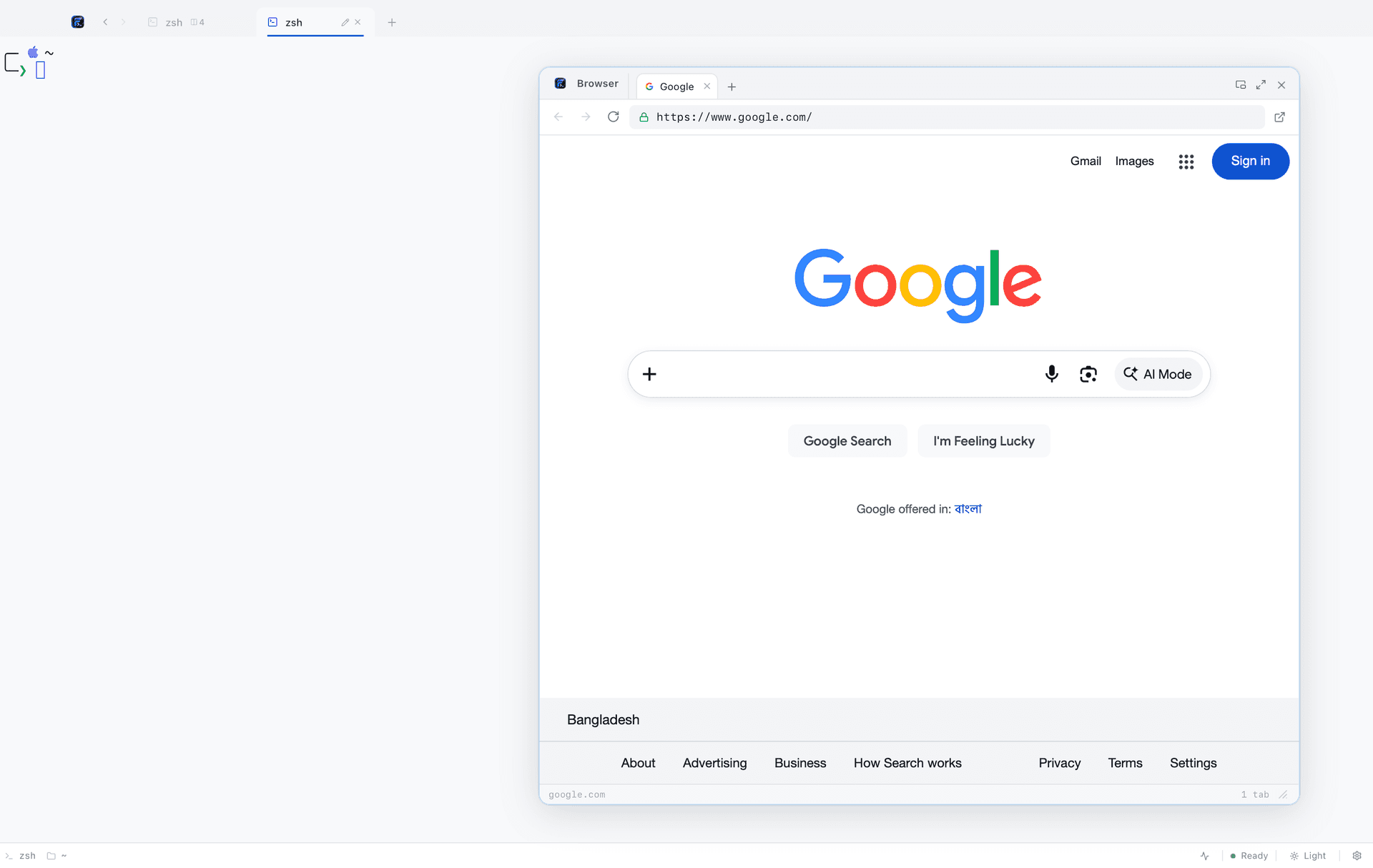
Not an iframe
A genuine native child webview, so sites that set `X-Frame-Options` — which is most documentation worth reading — load normally.
Tabs and an address bar
Back, forward, reload, and as many tabs as you want. The parts of a browser you actually use while reading docs.
Beside the command
Docked over the terminal, draggable and resizable, so the example and the shell you are pasting it into are on screen together.
Why it had to be a real webview
An iframe would have been a tenth of the work and useless in practice: almost every documentation site sends headers that forbid framing, so the panel would have shown a blank box exactly when you needed it. FigyTerm embeds a native child webview instead, which is why real sites load.
The Linux detour
On Linux this needed work that is invisible when it succeeds. Tauri cannot position child webviews on GTK, so FigyTerm places the browser through a `gtk::Fixed` container of its own. The result is the same panel in the same place on all three platforms.
FAQ
Browser, in short
Is it a full browser?
It is a native webview with tabs, an address bar and back, forward and reload. Bookmarks, extensions and profiles are not there — this is for reading documentation beside the command, not for replacing your browser.
Will sites that block iframes work?
Yes. It is a real child webview, not an iframe, so `X-Frame-Options` and frame-ancestors headers are not an obstacle.
Does it share cookies with my main browser?
No. It has its own webview storage, separate from Chrome, Safari or Firefox.
Give your terminal its whole workbench
Free, MIT licensed, and entirely local. On macOS one command does it; Linux and Windows are one download away.
curl -fsSL https://raw.githubusercontent.com/code4mk/figyterm/main/install.sh | sh